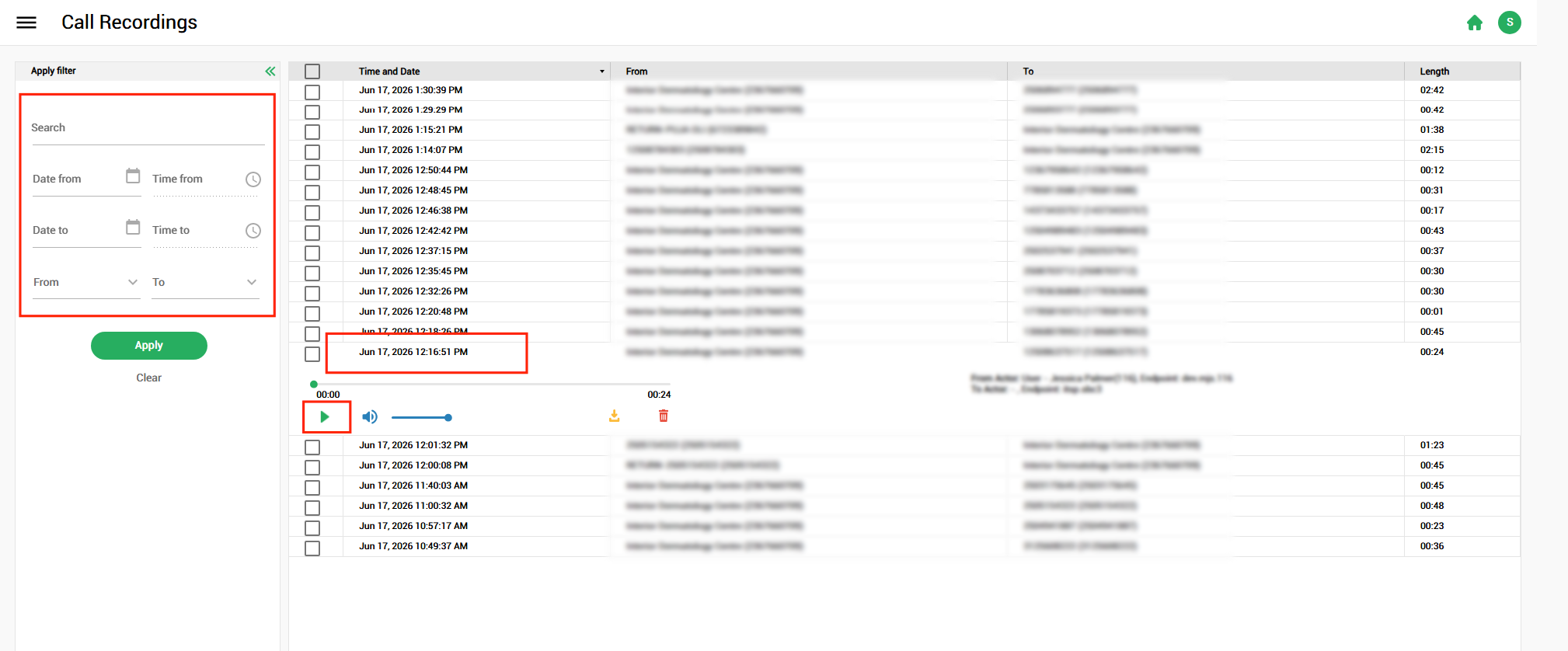
Zultys - Call Recordings
To access your system's call recordings through the web interface.
Zultys 18.x.x
- Access your system's URL from a browser
- e.g. CUSTOMER.cloud.topsoffice.ca
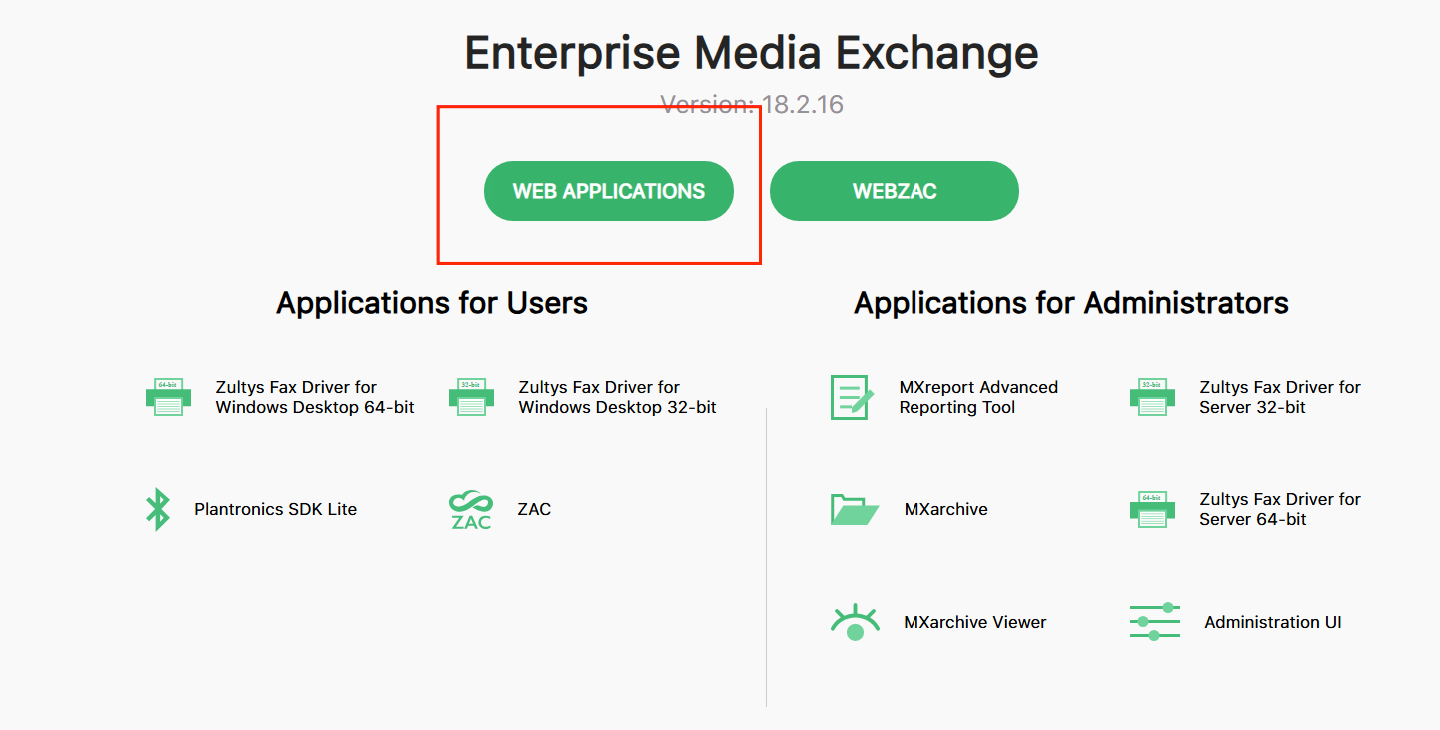
- Click "Web Applications"
- Login with the same credentials as ZAC / MXAdmin
- You will need to be granted permissions if you do not already have them to access your recordings of your own / others.
- Once logged in, select "Call Recordings"
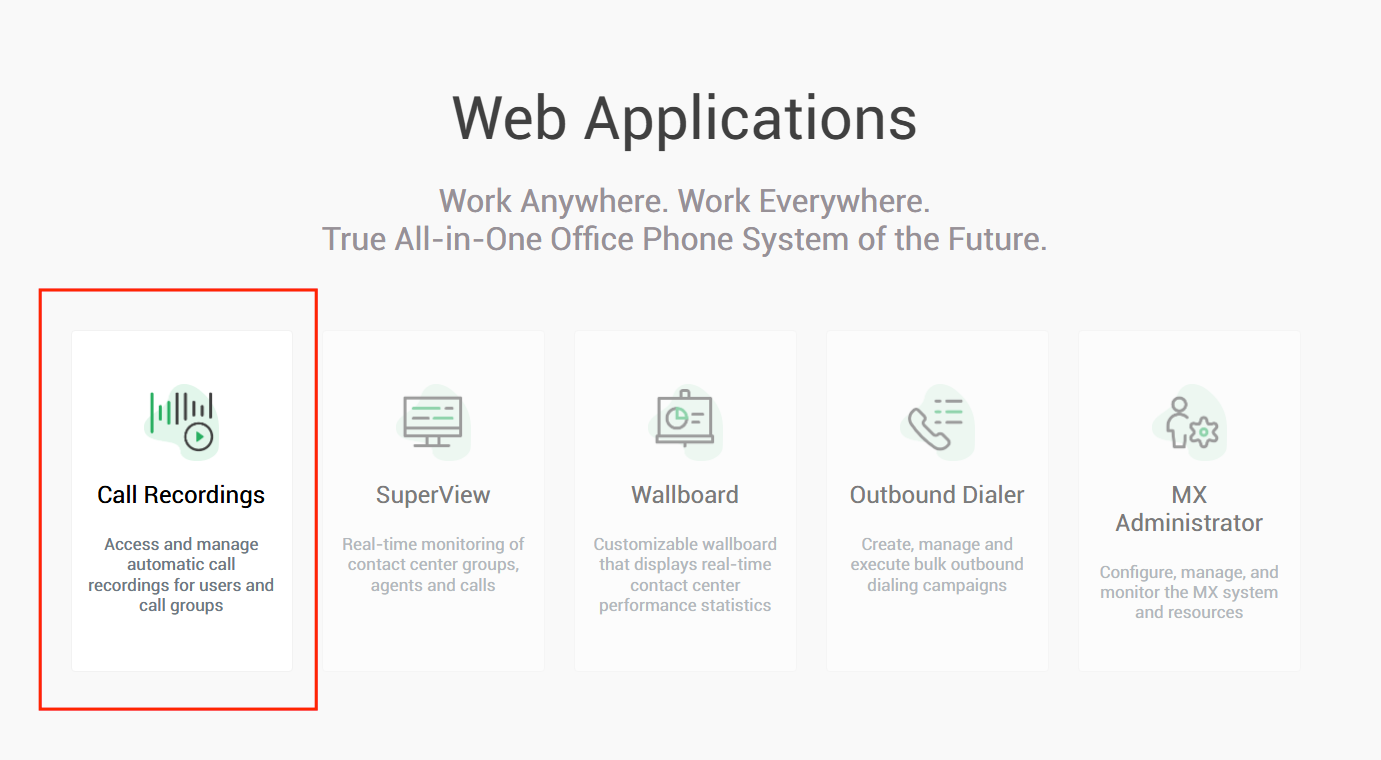
- You'll be able to view the list of available call recordings